

Authentication and your secret keys
When you trigger a task from your backend code, you need to set theTRIGGER_SECRET_KEY environment variable.
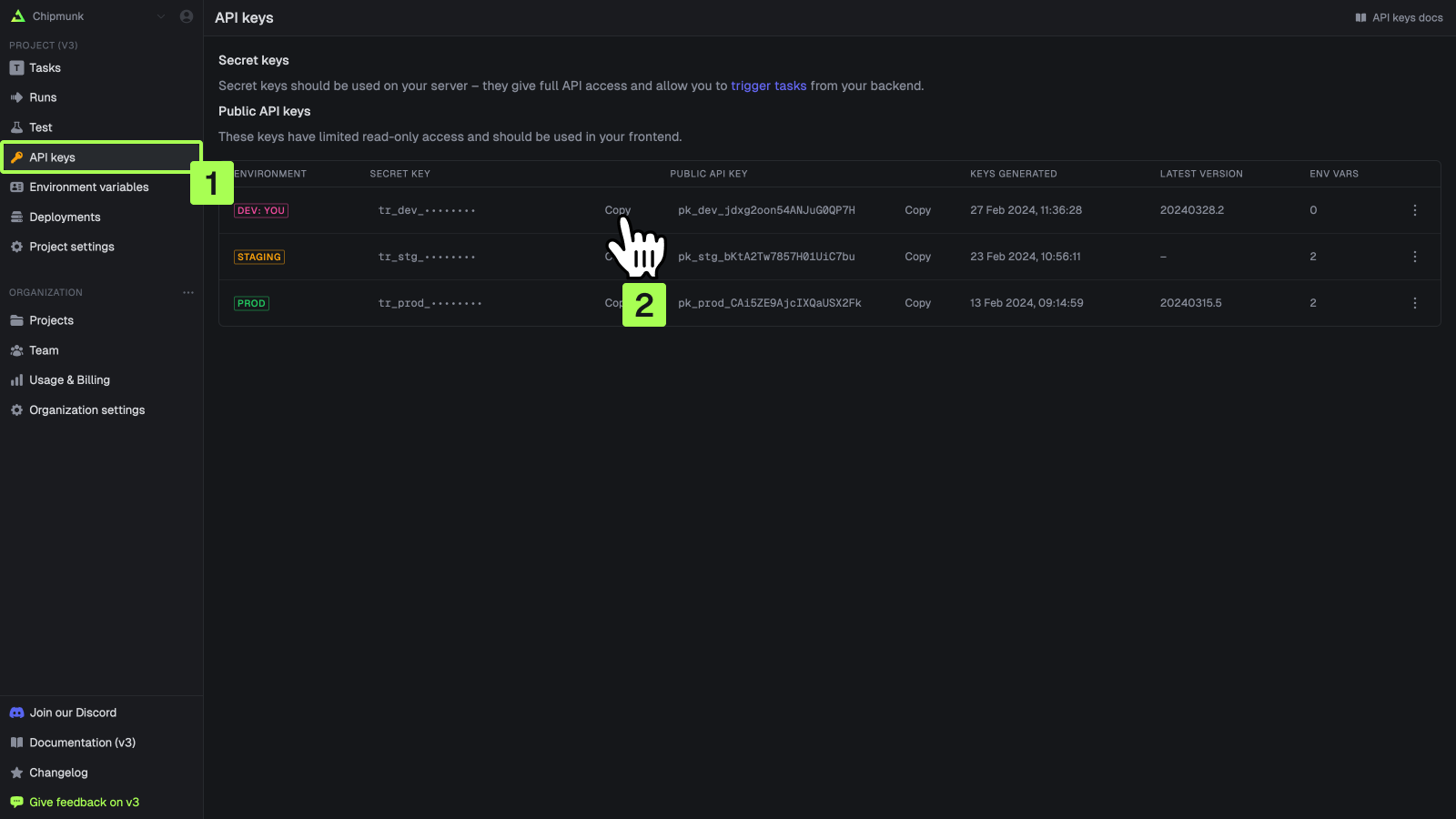
Each environment has its own secret key. You can find the value on the API keys page in the Trigger.dev dashboard:
Automatically Configuring the SDK
To automatically configure the SDK with your secret key, you can set theTRIGGER_SECRET_KEY environment variable. The SDK will automatically use this value when calling API methods (like trigger).
.env
TRIGGER_API_URL.
.env
https://api.trigger.dev.
Manually Configuring the SDK
If you prefer to manually configure the SDK, you can call theconfigure method: